Integrate Moonshot games
Add Moonshot's ready-made iframe games to your platform through one backend integration. This documentation covers game launch, wallet callbacks and optional freeplay promotions for the games below.
Games you can integrate

Crash crash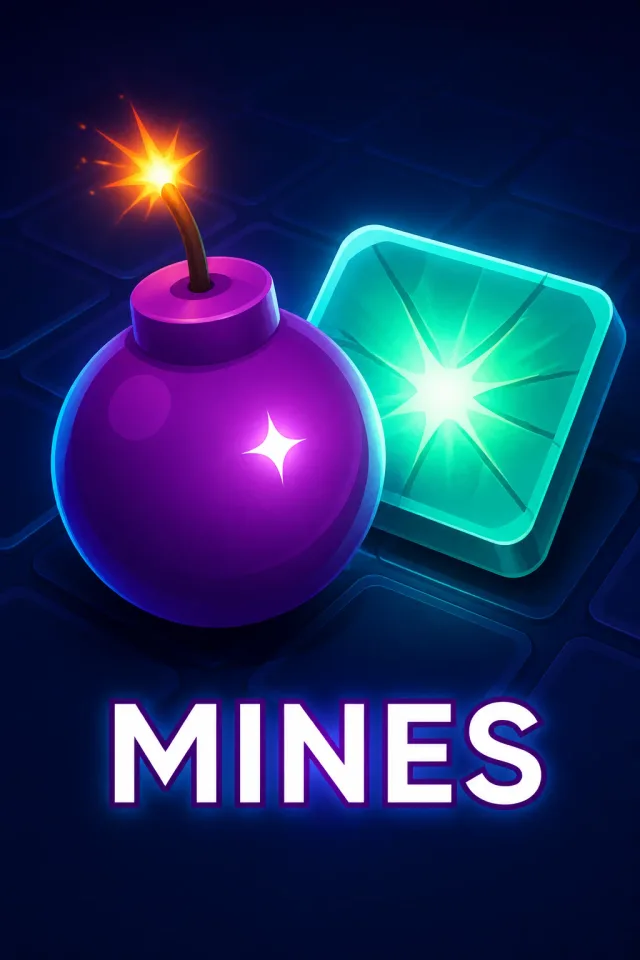
Mines mines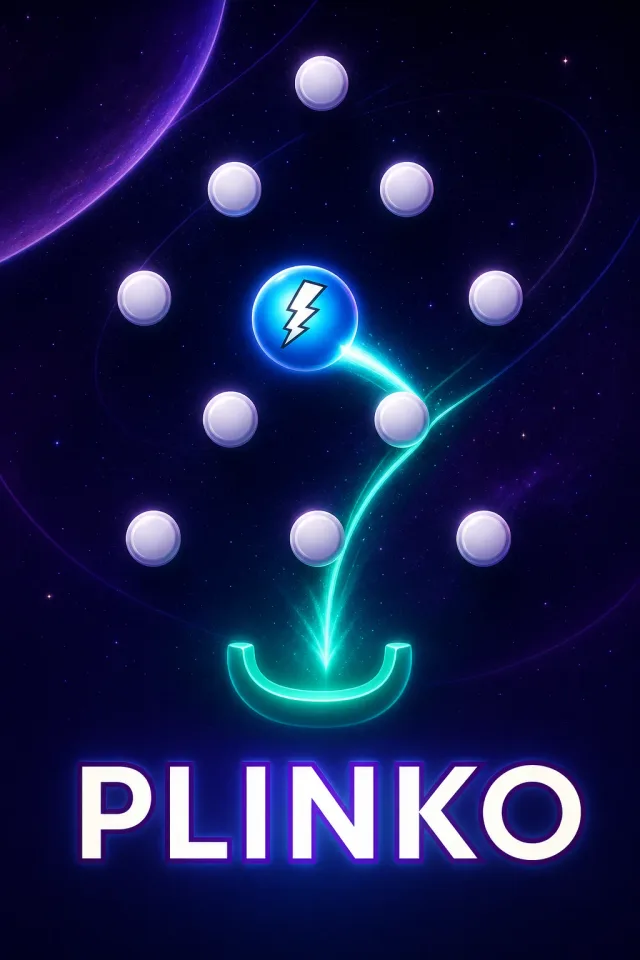
Plinko plinko
Overtake overtake
Double double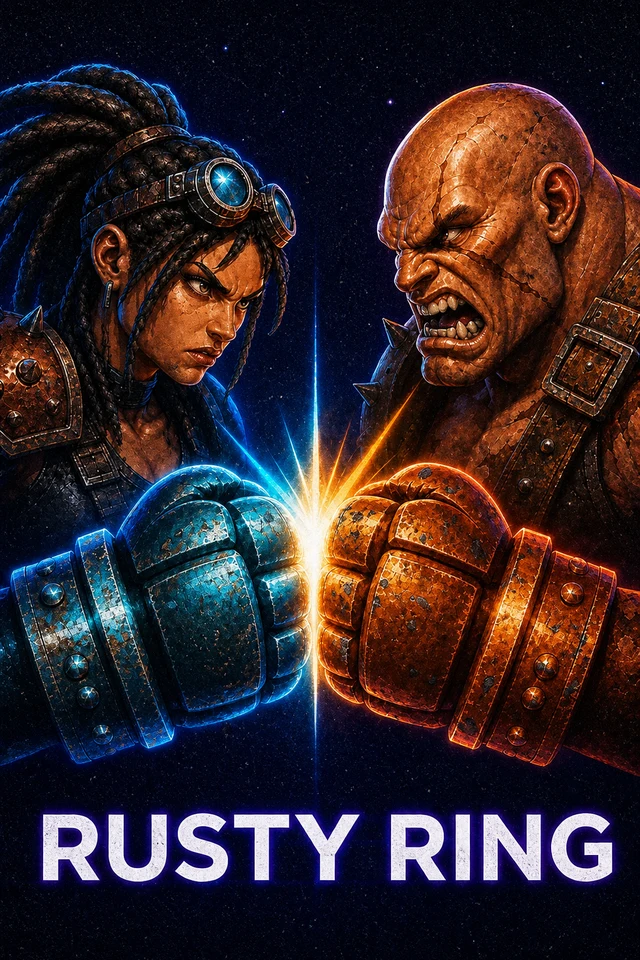
Rusty Ring rusty-ring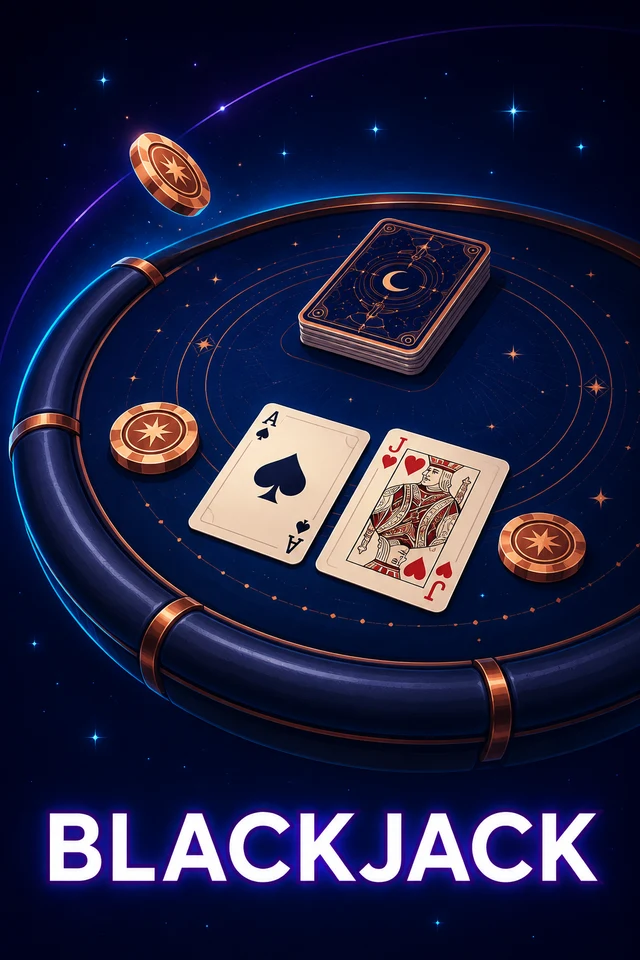
Blackjack blackjack
Each card shows the gameSlug to use in your launch request. Confirm enabled games,
currencies, limits, RTP and promotion settings for your operator and environment
during onboarding.
Start integrating → · Explore all API endpoints →
Your platform and Moonshot
Your backend authenticates players and owns their wallets. Moonshot runs the game, returns a launch URL, and calls your backend to debit stakes, credit payouts or reverse accepted bets. Your frontend embeds the verified launch URL.
How the systems connect
Your backend owns the balance. The iframe displays the game; wallet changes happen through authenticated backend callbacks. Wide diagrams can be scrolled horizontally on smaller screens.
Start here
- Collect the environment settings in Partner onboarding.
- Follow the Quickstart: implement wallet callbacks, send a signed sandbox launch request and embed the verified game URL.
- Implement request and response signing, launch and the three wallet callbacks.
- Embed the game using Iframe integration.
- Complete Sandbox tests and go-live. Use Troubleshooting if a request or game fails.
API directions
Your backend calls Moonshot to launch games and manage freeplay grants. Moonshot calls the three wallet endpoints you implement to place, settle or reverse bets. The API overview lists every partner integration endpoint, who calls it, what it does and where to find its full request/response contract.
Contact [email protected] for onboarding and technical support.